Hands-on lab
You'll install the AI/BI: Analytics in Capital Markets dbdemo so you can explore a pre-built Genie Space and dashboard on sample financial-services data in ~10 min.
What you'll build
A working Genie Space ("DBDemos - AI-BI - Portfolio Assistant") with a companion AI/BI dashboard and notebook, all loaded with sample portfolio holdings, market sentiment, and stock data. You get to test natural-language questions like "What is the market sentiment for companies in my portfolio in the retail industry?" without modeling any of your own data first.
Official source (Demo Center): Demo Center: Data Warehouse and AI/BI
Steps
1. Install the demo from the dbdemos library.
Run these cells in a new Python notebook.
%pip install dbdemos
dbutils.library.restartPython()
import dbdemos
import random

catalog = 'MY_CATALOG'
schema = 'MY_SCHEMA'

demos_availables_for_genie = ['aibi-portfolio-assistant', 'aibi-customer-support', 'aibi-patient-genomics', 'aibi-marketing-campaign', 'aibi-sales-pipeline-review', 'aibi-supply-chain-forecasting']

demo_to_install = random.choice(demos_availables_for_genie)

dbdemos.install(demo_to_install, catalog=catalog, schema=schema)
Swap MY_CATALOG and MY_SCHEMA for any UC catalog and schema where your user has CREATE privileges.
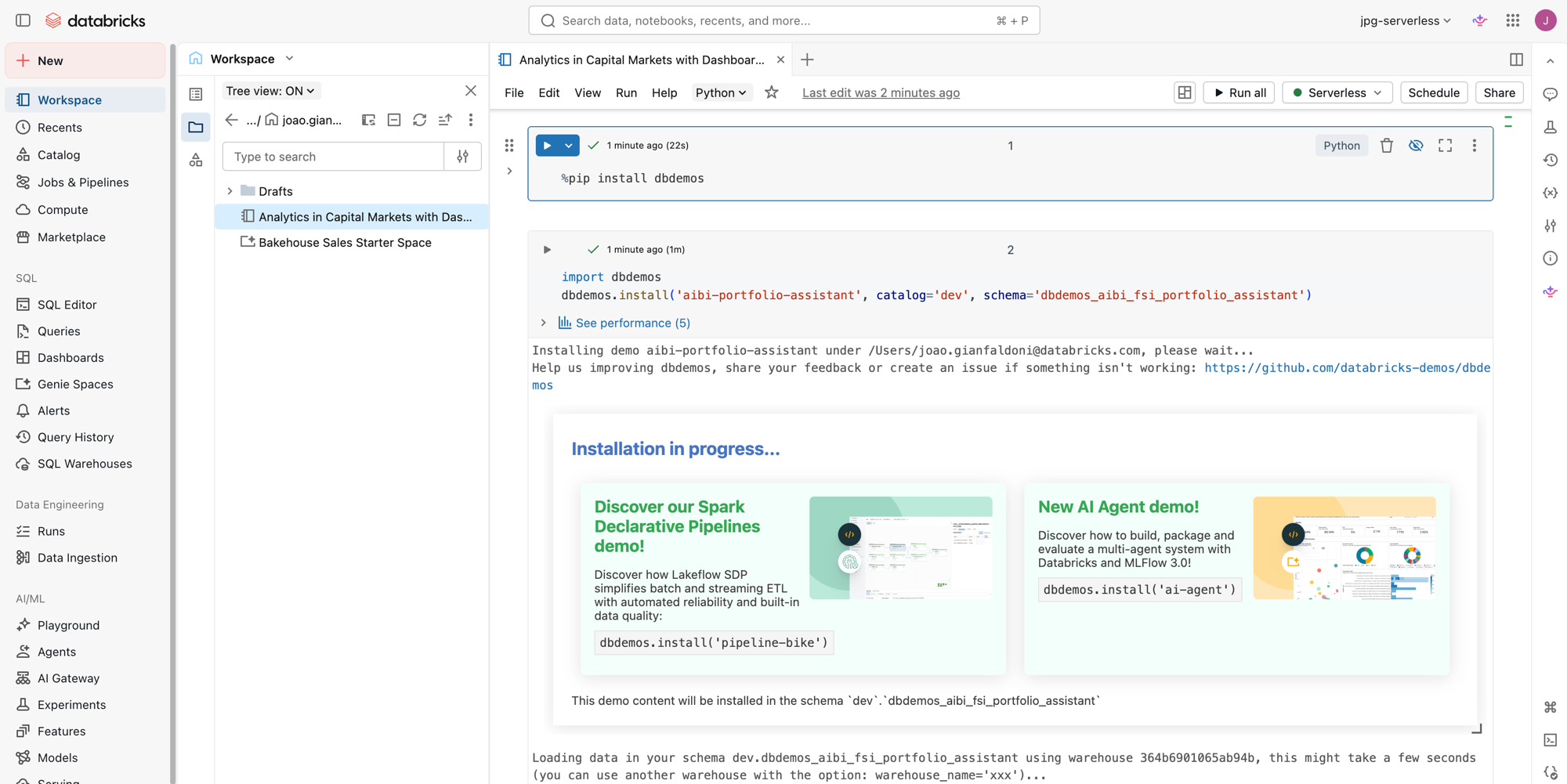
2. Wait for the installer to finish.
When it's done, the notebook lists what it created: a notebook, an AI/BI dashboard, and a Genie Space.
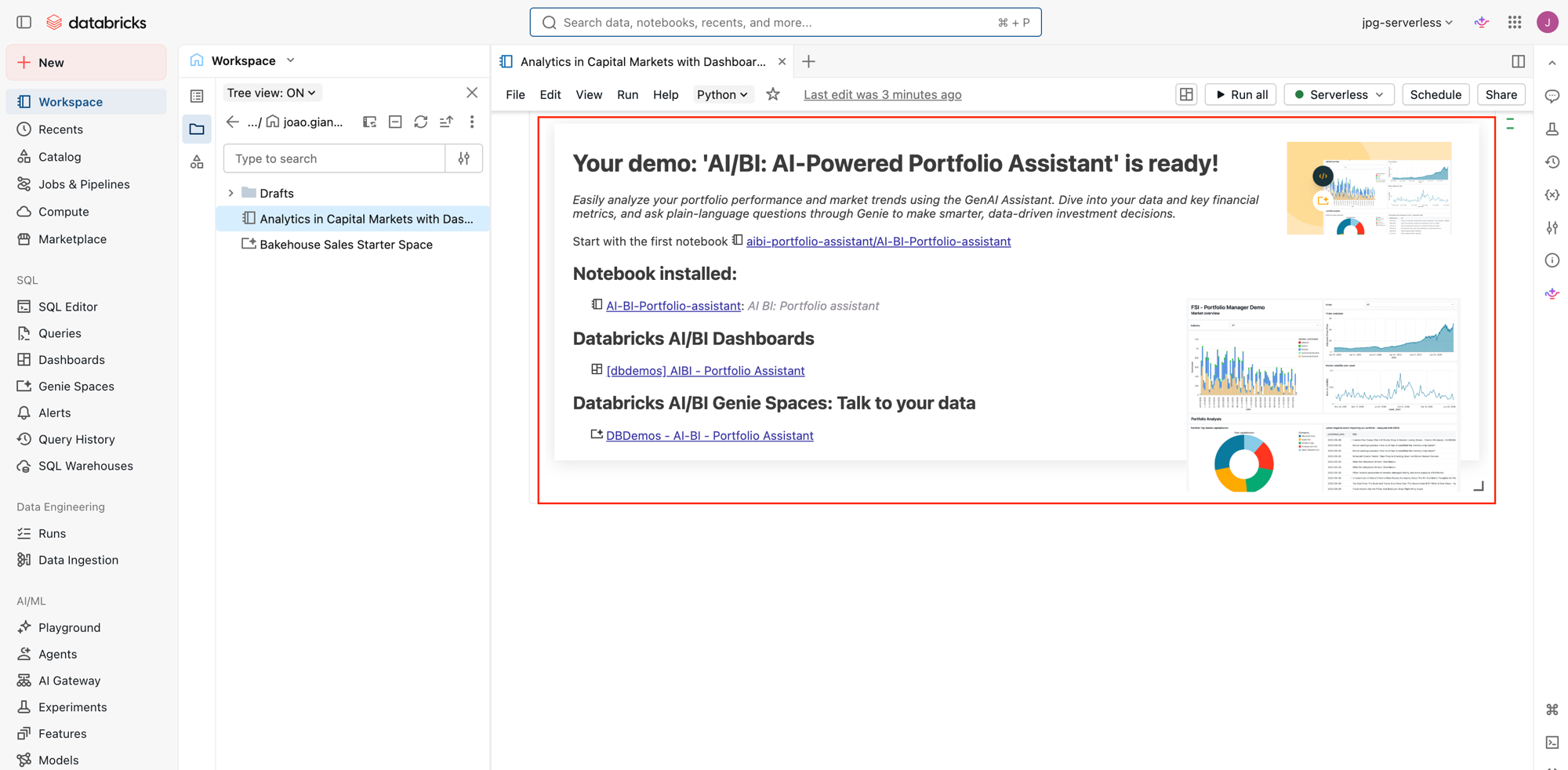
Verify
Open Genie Spaces in the workspace nav and check that DBDemos - AI-BI - Portfolio Assistant is there. Click in and try one of the suggested questions. You should get an answer with a result table, not an error.
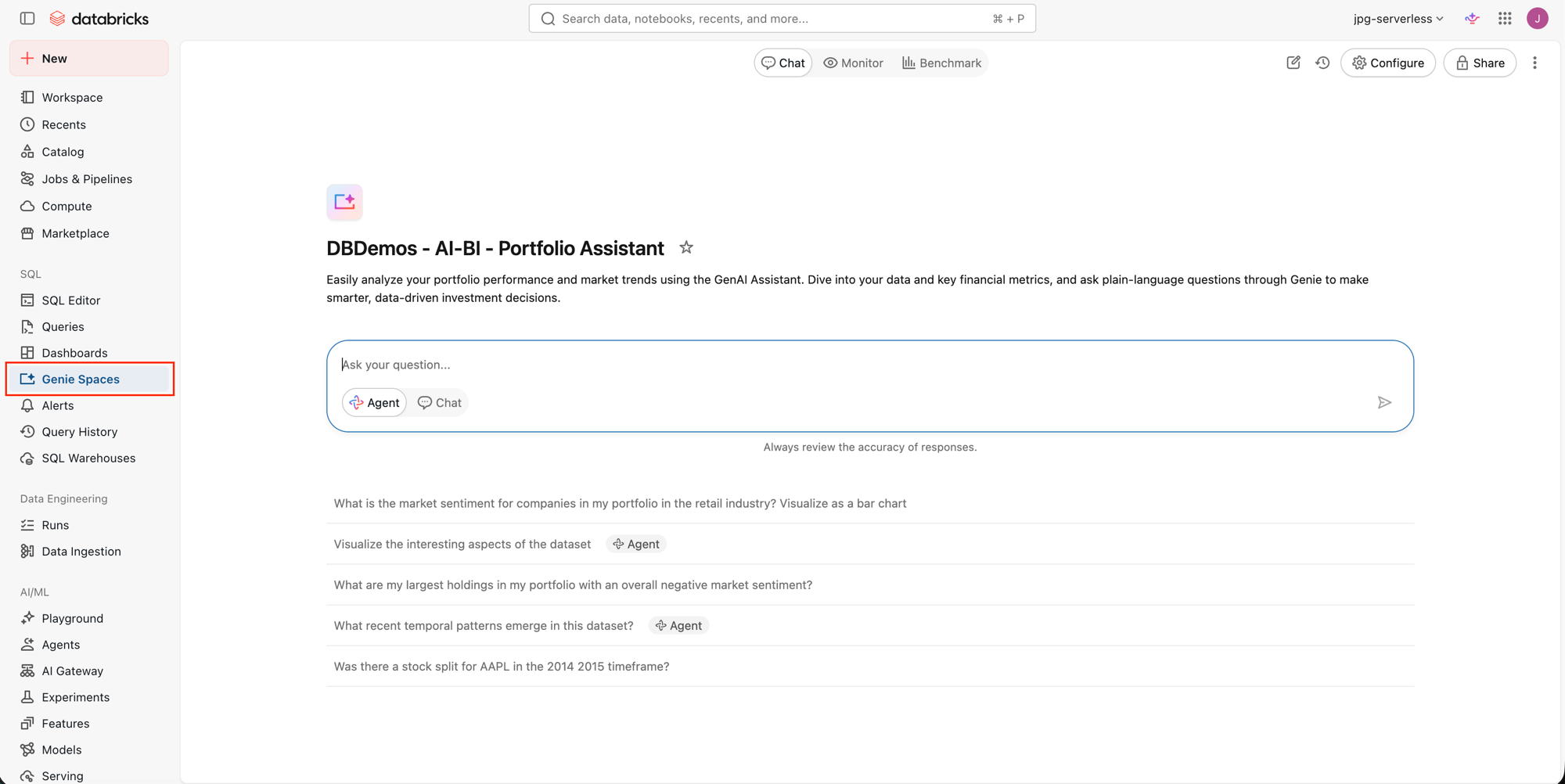
Where people trip
ModuleNotFoundError: dbdemos
You imported before installing. Run %pip install dbdemos, then dbutils.library.restartPython(), and only then import.
Permission denied writing catalog or schema
Your user can't create tables there. Pick a catalog and schema where you can, or ask a metastore admin to grant CREATE.
Install hangs
The cluster can't reach PyPI or is out of resources. Confirm it has internet egress and enough capacity.
Next
- Do next: Databricks Apps
- Learn why: Genie Spaces
- Reference: AI/BI: Analytics in Capital Markets demo (Demo Center)