Databricks Quest rewards your team for the real work they do on the platform — building pipelines, running jobs, querying data, shipping models. Points, tiers and missions are scored straight from your Unity Catalog system tables. No manual tracking, no self-reporting.
A friendly nudge that turns platform enablement into momentum — without adding a single manual step.
Missions map to genuine platform actions across data engineering, analytics, AI/ML and governance.
Everything is detected automatically from system tables. Nobody logs anything by hand.
Weekly leaderboard, tiers and badges keep the whole team engaged and climbing.
System Tables, Delta, Lakebase and Databricks Apps. Deploys into your own workspace.
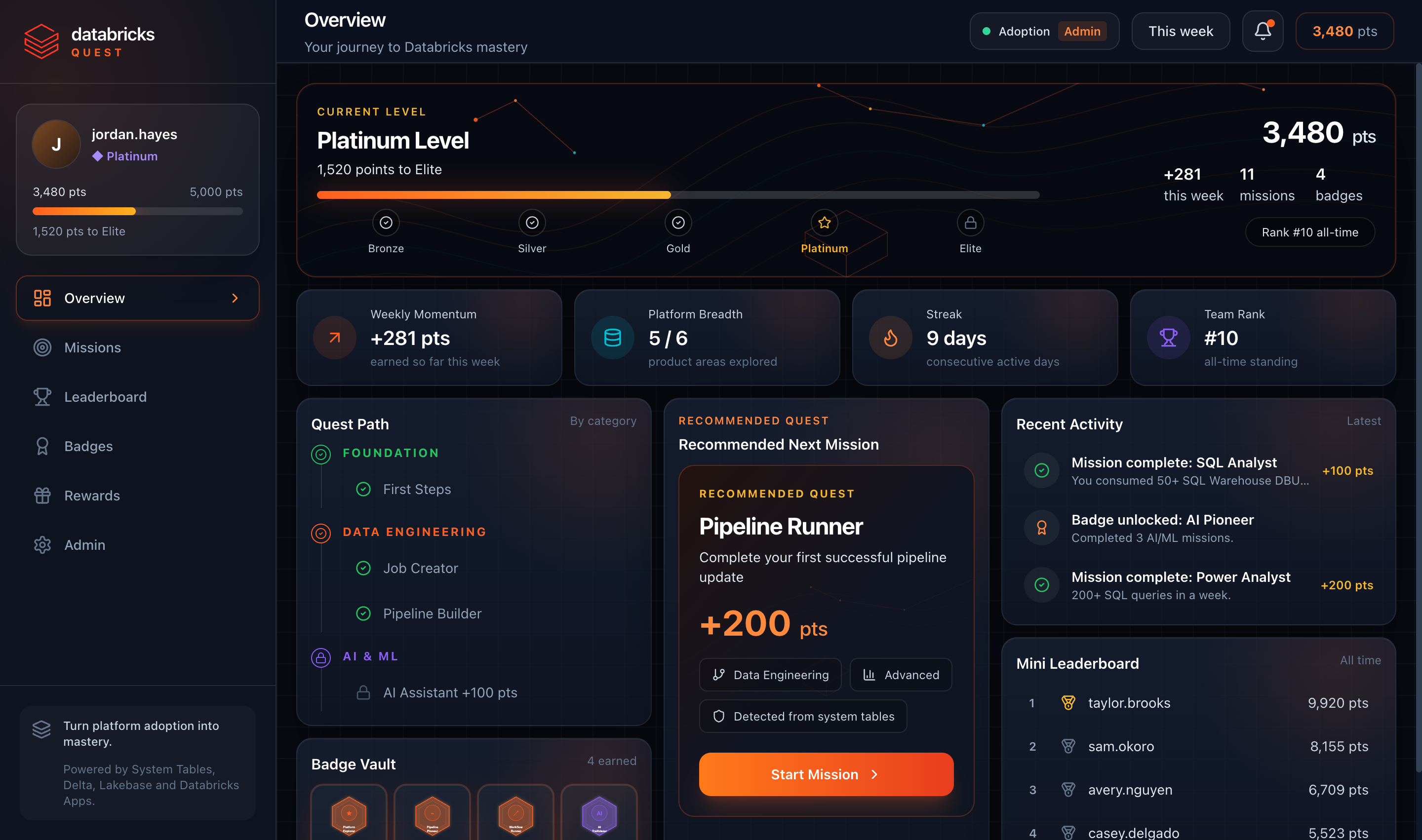
A personalised overview shows your tier, total points, weekly momentum, streak, product breadth, badges and the next mission to tackle.
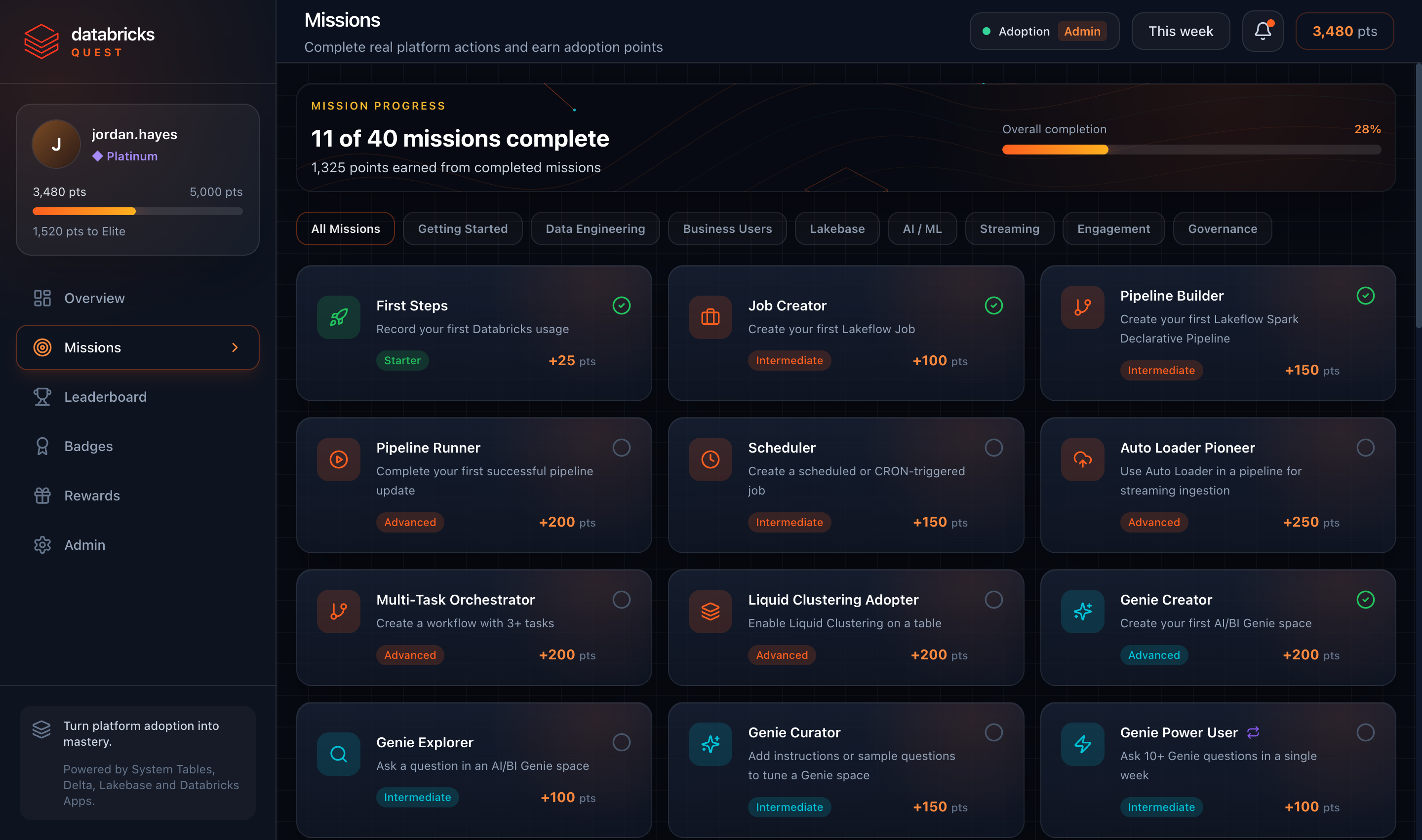
Forty missions across Getting Started, Data Engineering, Business Users, Lakebase, AI/ML, Streaming, Engagement and Governance. Complete the real platform action and the points land on the next scoring run.
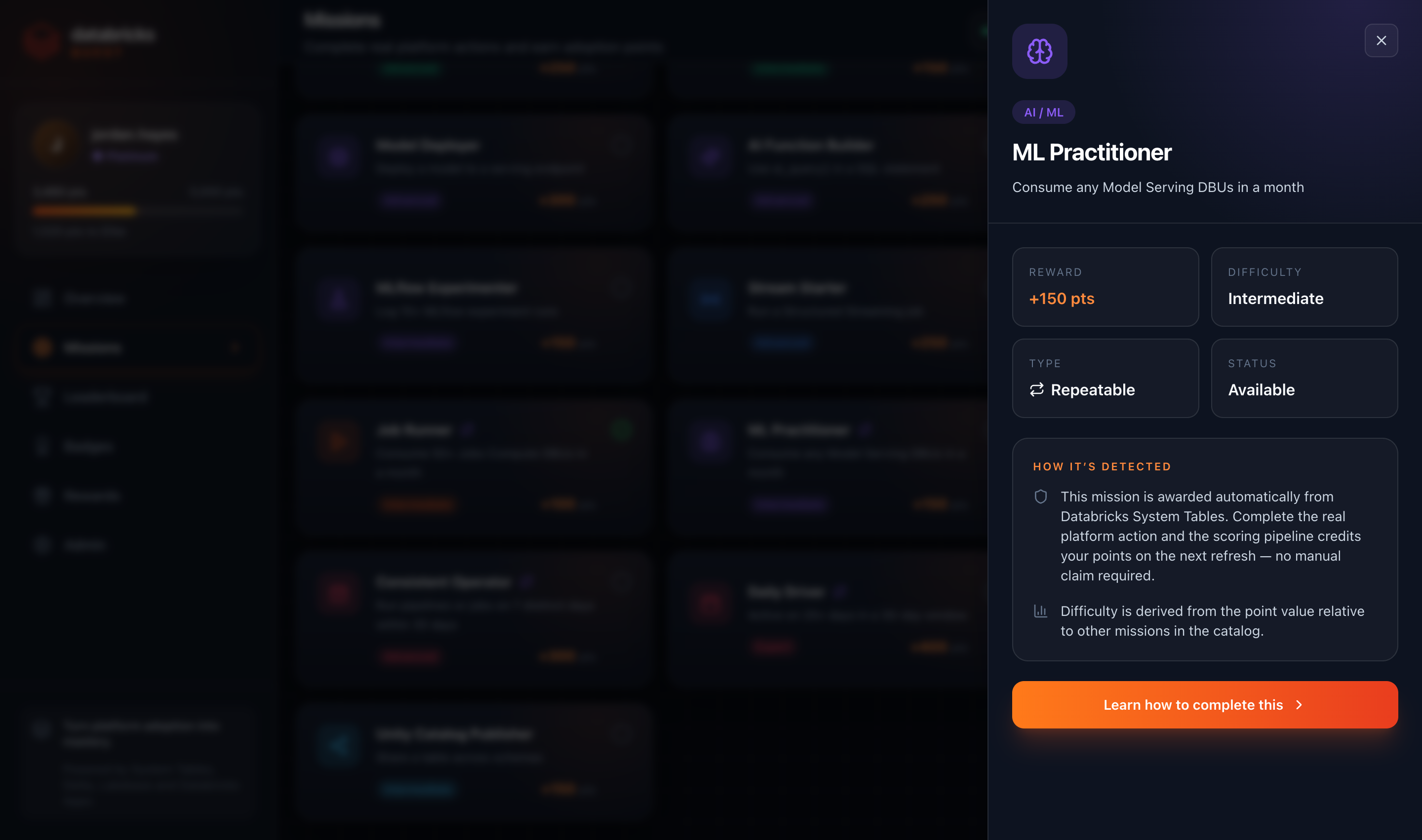
Every mission explains how it's detected from Databricks System Tables — reward, difficulty, type and status at a glance. No manual claim required.
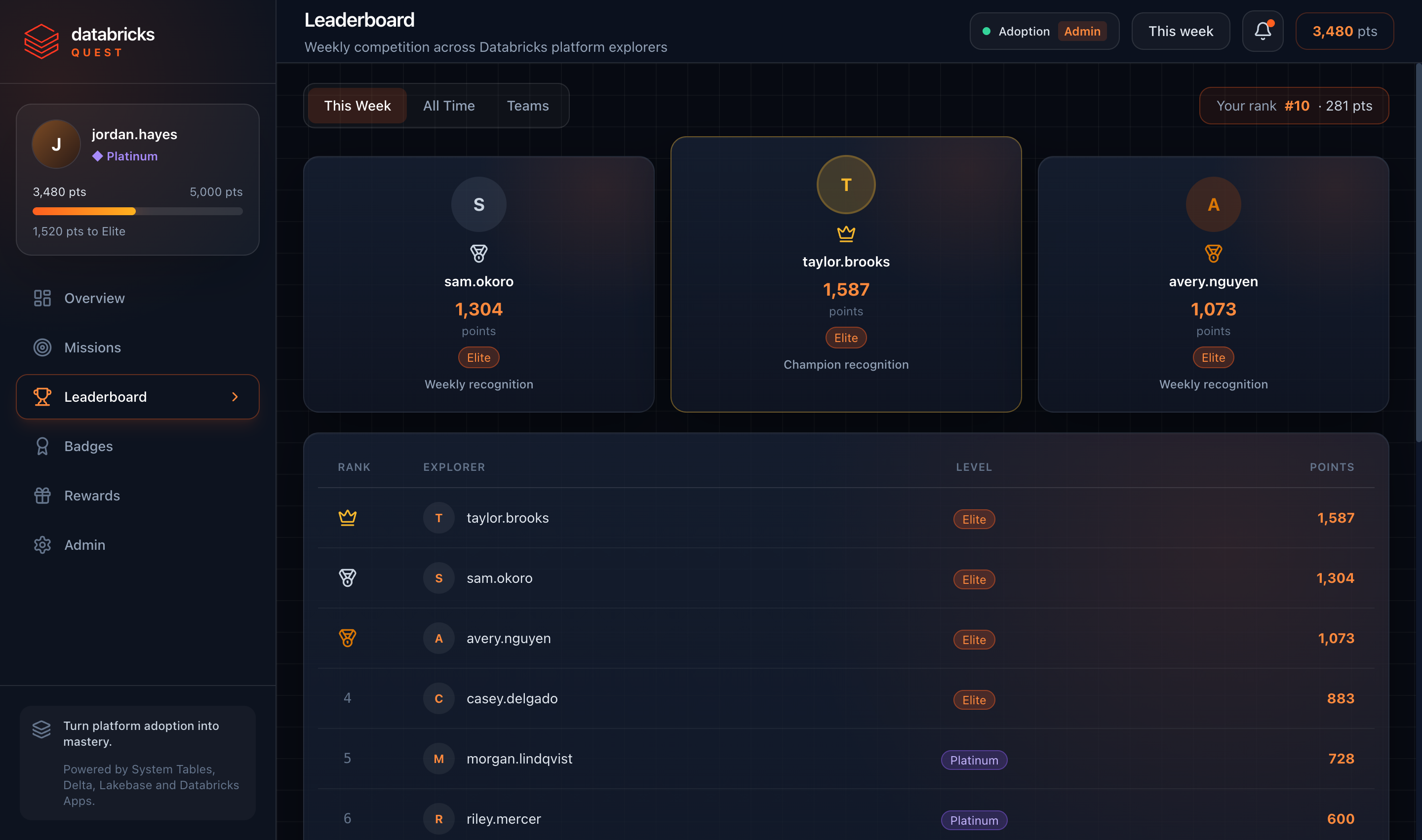
See where you stand this week and all-time. The top explorers each week earn recognition, and tiers give everyone a long-term goal to climb.
A scheduled Databricks Job reads system tables, scores every mission, computes tiers and badges, and writes the results to Delta — refreshing automatically every few hours.
Total points move you up a tier — a long-term goal alongside the weekly race.
Three moving parts, all native to Databricks.
A scheduled job scans system.billing.usage, system.query.history, system.lakeflow.* and system.access.audit for real activity.
Activity is turned into mission completions, points, streaks, tiers and badges, written to Delta tables.
A Databricks App reads the scored data (via Lakebase or a SQL warehouse) and shows each person their own dashboard.
One command handles the app, the scoring job and the data backend. Run it the same way on macOS, Windows or Linux — just pick where the app reads from.
Provisions a Lakebase Postgres instance and syncs the scored tables into it after every run. Reads land in single-digit milliseconds instead of hundreds. Adds roughly five minutes to the first deploy. This is the default.
The app reads the scored Delta tables straight through a serverless SQL warehouse. Nothing extra to provision and nothing to sync, so it is the quickest way to stand up and the least to run.
Either way an admin can switch the live backend later under Admin → Data
Backend, with no redeploy. The deploy takes about five minutes and is safe
to re-run. deploy.py asks which SQL warehouse and Unity Catalog to use,
so you can pick an existing catalog or create a new one — pass
--catalog <name> to skip the question. It covers Adoption Mode, so
GameDay Event Mode still needs deploy.sh --event-mode.
